What Does Updating Your Graphics Driver Do Performance And Stability Guide
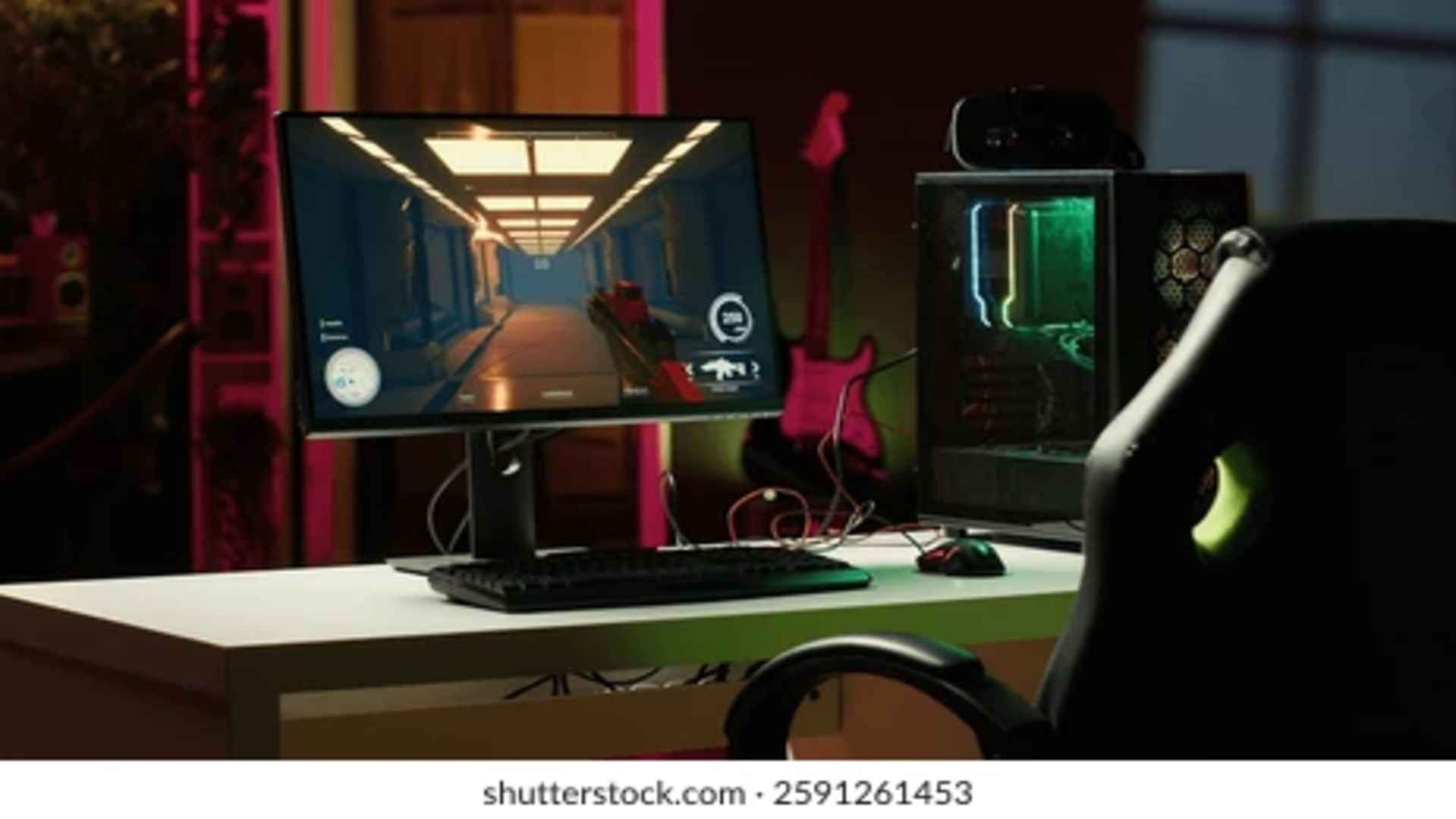
Keeping your graphics card software up to date is one of the most effective ways to maintain optimum PC health and efficiency. A graphics driver acts as a translator between your operating system, software applications, and GPU hardware. Understanding how these regular updates impact overall system stability and rendering performance helps users make informed decisions about system maintenance.
Boost Game Optimization and Frame Rates
Graphics card manufacturers regularly release updates tailored specifically for newly launched video games and demanding applications. These specialized game-ready drivers contain code optimizations designed to maximize frame rates and eliminate visual stuttering. Updating your display software ensures that your hardware can render complex textures and lighting effects efficiently.
Without these targeted enhancements, new software titles may suffer from degraded performance or poor resource utilization. Regular updates unlock full hardware capabilities by allowing the graphics processing unit to communicate efficiently with modern rendering engines. This guarantees a smoother experience across various visual workloads.
Fix System Crashes and Visual Glitches
Graphics driver updates frequently bundle critical bug fixes that address unexpected desktop crashes and application freezes. Over time, software conflicts can develop between your system OS and older driver versions, causing graphical artifacts or visual tearing. Installing the latest driver resolves these stability issues by replacing corrupt or outdated software instructions.
Hardware developers collect user telemetry to identify rare technical glitches across millions of system configurations. Subsequent driver patches fix these isolated issues, improving reliability during heavy multitasking or extended gaming sessions. Maintaining current software minimizes system disruptions and prevents frustrating display errors.
Introduce New Features and Optimization Tools
Updating display drivers often introduces brand-new performance technologies and custom management settings directly to your control panel. Modern updates frequently deploy AI-driven upscaling features, lower latency modes, and advanced power management tools. Accessing these fresh options allows users to fine-tune their visual experience without spending money on hardware upgrades.
These added control utilities help optimize cooling performance and energy consumption while running intensive tasks. Manufacturers continually refine control panel features to give users better command over display resolution, color accuracy, and refresh rates. Installing driver updates keeps your system equipped with the latest software innovations.
Improve Security and Hardware Longevity
Graphics drivers, like any complex software, can occasionally contain security vulnerabilities that malicious entities might exploit. Updating your GPU software patches these security holes, protecting your system from unauthorized access or remote code execution. Maintaining a secure display environment is essential for keeping personal data safe on connected devices.
Beyond security, updated software helps protect physical components by optimizing thermal thresholds and fan speed profiles. Efficient power delivery prevents unnecessary hardware stress, which ultimately extends the lifespan of your graphics card. Timely maintenance ensures your hardware runs cool, stable, and secure over many years of heavy use.